Productivity · March 26, 2026
How to Build a Personal Knowledge Base with NotebookLM
NotebookLM lets you upload documents and have a conversation with them. Here is how to set it up as a personal research assistant.
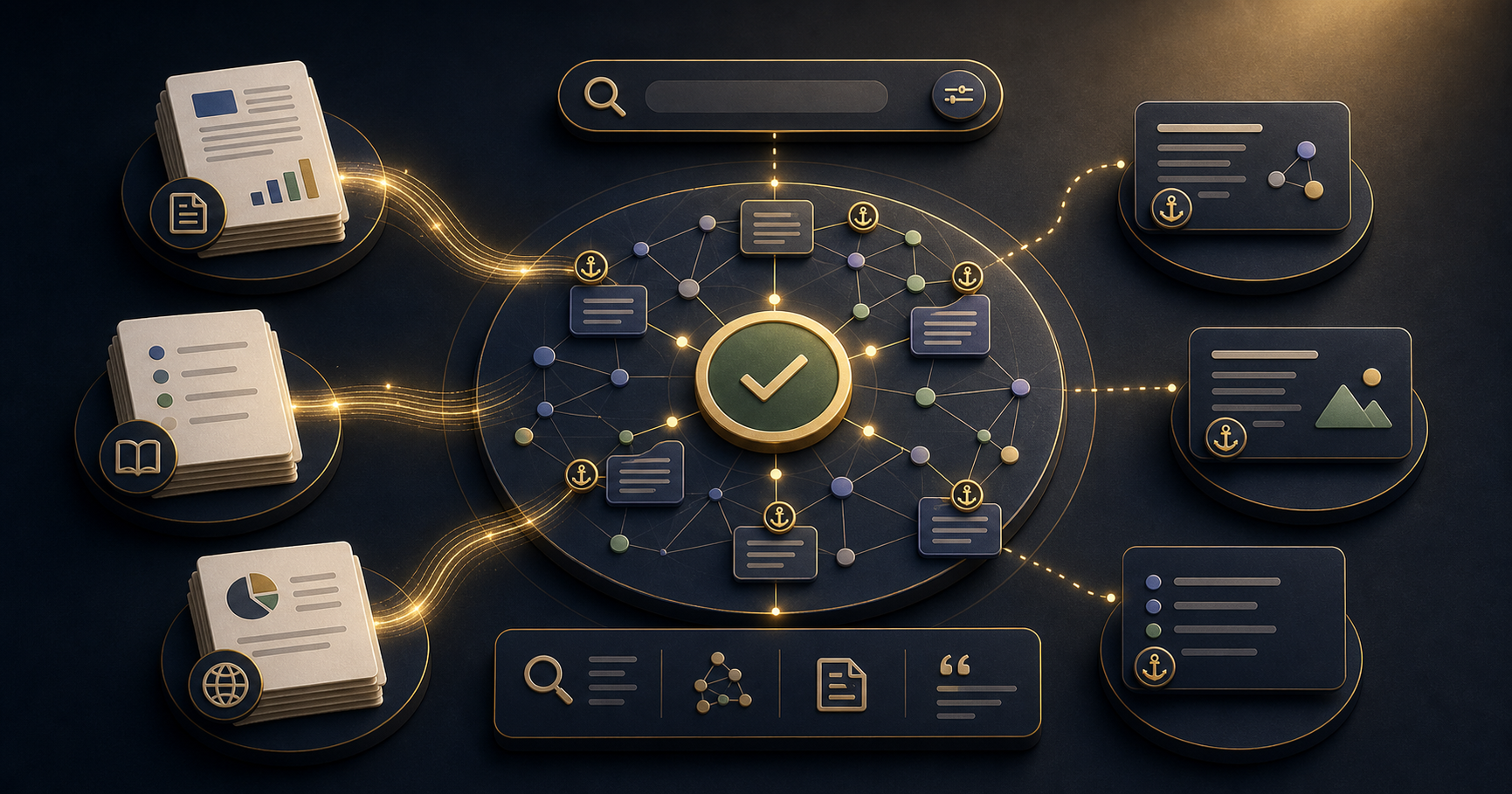
NotebookLM lets you upload your documents - reports, research papers, meeting notes, manuals, competitor analysis - and have a direct conversation with them. Ask it a question and it answers from your sources, with a citation showing exactly where the answer came from. It takes about 30 minutes to set up a useful knowledge base for your first topic, and it works without any technical knowledge.
The practical result is a research assistant that knows only what you have taught it.
Why NotebookLM Is Different from General AI Chatbots
When you ask ChatGPT a question about a document you have uploaded, it blends your document with everything it was trained on. This is useful for general questions, but it makes it hard to know whether an answer came from your source or from the model's general knowledge.
NotebookLM only answers from your uploaded sources. If the answer is not in your documents, it says so. Every answer includes a citation to the exact source and location it came from.
For research, due diligence, competitive analysis, or any work where you need to know that an answer is grounded in a specific document, this distinction matters significantly.
What to Use It For
NotebookLM works well for any situation where you need to reference multiple documents repeatedly.
Research and due diligence: Upload competitor reports, industry analyses, and market research. Ask cross-document questions like "What do these three reports say about customer acquisition trends in our sector?"
Product knowledge: Upload product documentation, technical specifications, and customer feedback. Ask "What are the most commonly reported issues with the current onboarding flow?" without reading through hundreds of support tickets.
Meeting preparation: Upload board papers, previous meeting minutes, and strategy documents. Before a meeting, ask "What decisions were made in Q1 that affect this quarter's budget?" in under a minute.
Learning and training: Upload course materials, research papers, or textbooks. Ask concept questions, ask for summaries of specific chapters, or ask it to connect ideas across sources.
How to Organise Notebooks Effectively
One large notebook covering everything works less well than several focused notebooks on specific topics.
A useful starting structure for most knowledge workers:
- Active projects: one notebook per major project, containing all relevant documents
- Ongoing reference: competitor landscape, industry research, regulatory guidance
- Personal development: books, articles, and resources on skills you are building
Within each notebook, name your sources clearly. NotebookLM's citations are more useful when you can immediately tell from the source name which document is being referenced.
Getting Better Answers
Ask NotebookLM the way you would ask a knowledgeable colleague who has read all your documents. Specific questions produce specific answers.
Less useful: "Tell me about the market." More useful: "According to these reports, what are the two biggest barriers to adoption for our product category?"
Follow-up questions work well: "Which source is most recent on that topic?" or "What do the other sources say about this?" or "Does anything in these documents contradict that finding?"
The audio overview feature - which generates a podcast-style discussion of your notebook's contents - is useful for absorbing a large document set quickly before diving into specific questions.
Frequently Asked Questions
What is NotebookLM?
NotebookLM is a Google tool that lets you upload documents and ask questions about them using AI. Unlike general AI chatbots, it only answers from your uploaded sources and cites exactly where each answer comes from.
What types of documents can I upload to NotebookLM?
PDFs, Google Docs, Google Slides, web URLs, YouTube video URLs, and pasted text. It handles research papers, reports, transcripts, manuals, and most business documents well.
How is NotebookLM different from asking ChatGPT about a document?
NotebookLM only answers from your sources and always cites them. ChatGPT may blend your document with its training data and does not always tell you which information came from where. For research where accuracy and sourcing matter, NotebookLM is more reliable.
How many documents can I add to one notebook?
Up to 50 sources per notebook, with a limit of 500,000 words per source. For large document sets, create topic-specific notebooks rather than one large one - it improves answer quality and makes navigation easier.
Is NotebookLM free to use?
The standard version is free with a Google account. NotebookLM Plus, with higher usage limits and additional features, is available as part of Google One AI Premium.
21 Days of AI covers document workflows, summarisation, and research tasks - one practical workflow per day. Related: the fastest way to summarise long reports with AI and how to automate meeting notes with AI.
Build the habit with a 21-day challenge
Start with the marketers course and practice one useful AI workflow every day.
View the course