Productivity · April 9, 2026
How to Automate Meeting Notes with AI
AI can turn a meeting transcript into structured notes with action items in under two minutes. Here is the exact workflow.
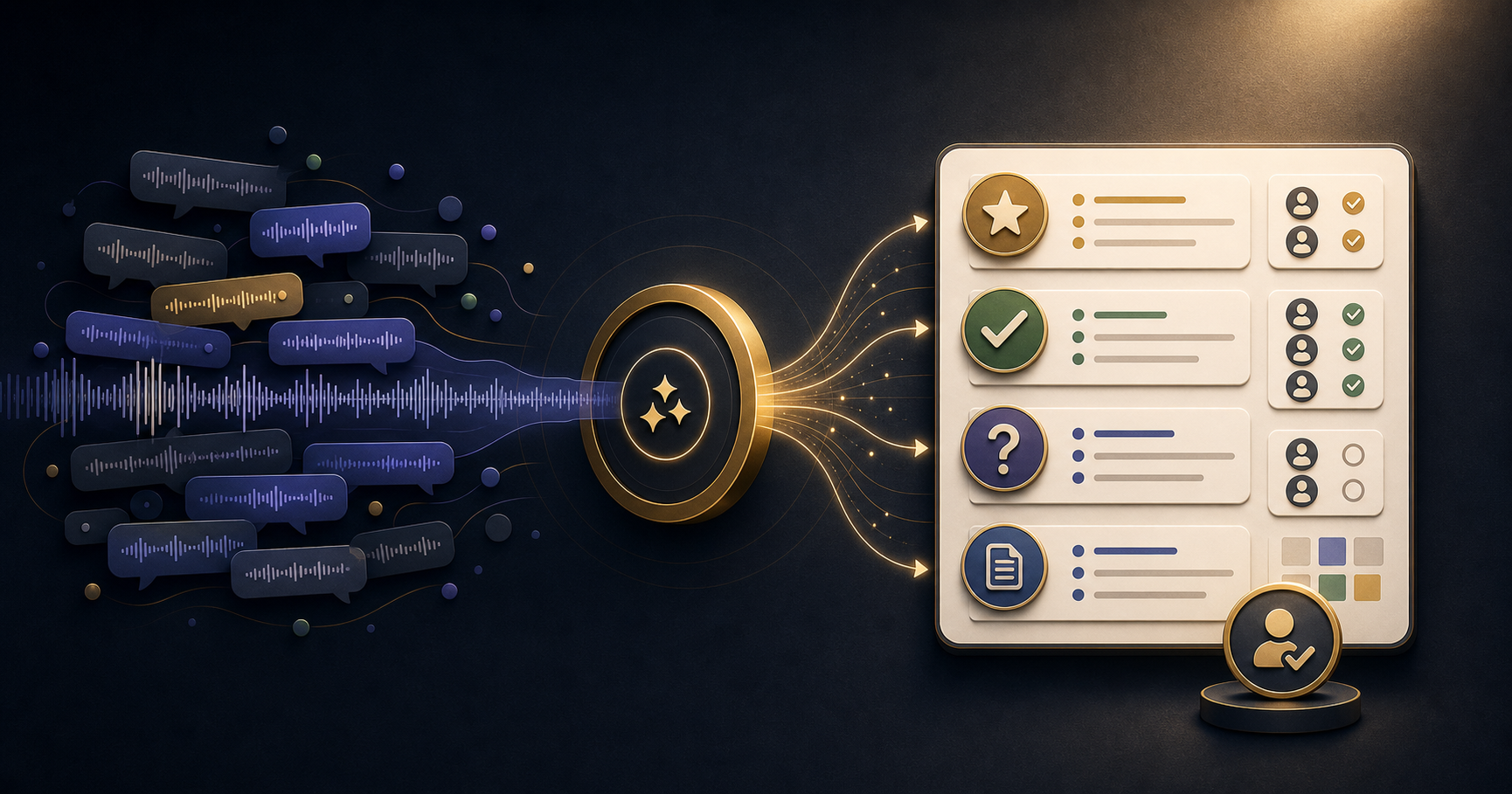
Paste a meeting transcript into your AI tool and ask for a summary in four sections: decisions made, action items with owners, open questions, and key context. The output takes about 90 seconds to generate and five minutes to review and correct. That process consistently produces better notes than manual note-taking during the meeting, because it covers the whole conversation rather than what you happened to capture while listening.
The actual meeting note is almost always better when AI does the first draft.
Why Manual Meeting Notes Are Usually Incomplete
Taking notes while participating in a meeting is a divided-attention task. You are listening, thinking, and occasionally speaking while also trying to capture what matters. Something will be missed - usually something said quickly at the end of the meeting when you are least focused and most likely to be thinking about what comes next.
AI summarisation from a transcript captures everything in the recording. What it does not capture - tone, implication, what was left unsaid - you supply in the review. That division of labour consistently produces more complete notes than either approach alone.
The Format That Works Best
Meeting notes are most useful when they are structured the same way every time. Predictable formats are faster to read and easier to action.
Request this structure for recurring meeting types:
- Decisions made: what was agreed, by whom, and any conditions attached
- Action items: specific task, owner name, and deadline if mentioned
- Open questions: things discussed but not resolved that need follow-up
- Key context: background information that informed the decisions, useful for people who were not in the meeting
Adjust the sections for different meeting types. A project status meeting might add "blockers and risks." A client call might add "client concerns raised." A one-to-one might add "feedback given and received."
Building the Workflow End to End
The most efficient version of this workflow runs in the background with minimal effort.
Step 1 - capture: Enable transcription in your video conferencing tool, or use a dedicated tool like Fireflies.ai that joins as a bot and transcribes automatically. For in-person meetings, most transcription apps work with phone audio.
Step 2 - process: After the meeting, paste the transcript into your AI tool with your summary prompt. For recurring meetings, save the prompt with the format already specified - you will use it every week without editing.
Step 3 - review and send: Read the action items carefully. These are the most critical part and the most likely to contain errors - AI occasionally assigns an action item to the wrong person or combines two separate actions into one. Fix these, then send or share within 30 minutes while the meeting is still fresh for recipients.
Step 4 - save to your reference system: If you use NotebookLM or a similar tool for institutional knowledge, add the meeting summary as a source. Over time, this creates a searchable record of decisions and rationale.
When AI Notes Are Not Enough
Sensitive conversations - performance discussions, confidential negotiations, personal issues raised in one-to-ones - should be handled with extra care. Check whether it is appropriate to record and transcribe before you enable the tool. Some participants may not be aware that transcription is running.
For meetings where relationship dynamics and tone matter as much as content - difficult client conversations, team conflict situations - AI notes capture the factual content but not the texture. Add your own observations separately.
Frequently Asked Questions
Do I need a recording to use AI for meeting notes?
A transcript is most reliable, but you can also paste rough notes or bullet points and ask AI to structure them. The quality of the output reflects the quality of the input - a full transcript produces better results than shorthand notes.
Which transcription tools work well with AI note summarisation?
Otter.ai, Fireflies.ai, and Fathom all produce clean transcripts that work well with AI summarisation prompts. Many video conferencing tools now include built-in transcription - Zoom, Teams, and Google Meet all offer this.
How accurate are AI-generated meeting summaries?
Accurate for decisions and discussion points that were stated clearly. Less reliable for implicit agreements or things communicated through tone. Always review action items and owners before sharing - these are where errors most commonly appear.
Can I use AI to prepare for meetings as well as summarise them?
Yes. Before a meeting, paste the agenda and relevant context and ask AI to generate the three most important questions to ask. Preparation and summarisation use the same basic approach.
How do I handle confidential meeting content?
Use an enterprise AI tool with data privacy guarantees if your meeting discusses sensitive business information. Check your organisation's AI usage policy before pasting confidential transcripts into a public tool.
Meeting workflows are covered in 21 Days of AI - including preparation, summarisation, and follow-up. Related: the fastest way to summarise long reports with AI and how to build a personal knowledge base with NotebookLM.
Build the habit with a 21-day challenge
Start with the marketers course and practice one useful AI workflow every day.
View the course