AI Tools · February 12, 2026
How to Write Better ChatGPT Prompts (Without Any Coding)
Better ChatGPT prompts come from better context, not technical skill. This guide shows a simple five-part structure anyone can use.
Better ChatGPT prompts come from better context, not technical skill. The most common reason AI output is generic or off-target is that the prompt left too much for the model to guess. Give it a role, a situation, a specific output format, and some constraints, and the quality improves immediately. No coding, no jargon, no prompt engineering courses required.
The skill you need is the same one that makes you good at briefing a colleague.
Why Most ChatGPT Prompts Produce Disappointing Results
When you type "write me a summary of this document," the model has almost no information to work with. It does not know who will read the summary, how long it should be, what the most important points are, or what format works best for your situation. It fills those gaps with average assumptions.
Average assumptions produce average output. That is the whole problem, and it is fixable.
Think of ChatGPT as a capable contractor who just arrived on site. They need a brief before they can do useful work. "Build something" is not a brief. "Build a two-shelf bookcase out of pine, 80cm wide, to fit in this alcove" is.
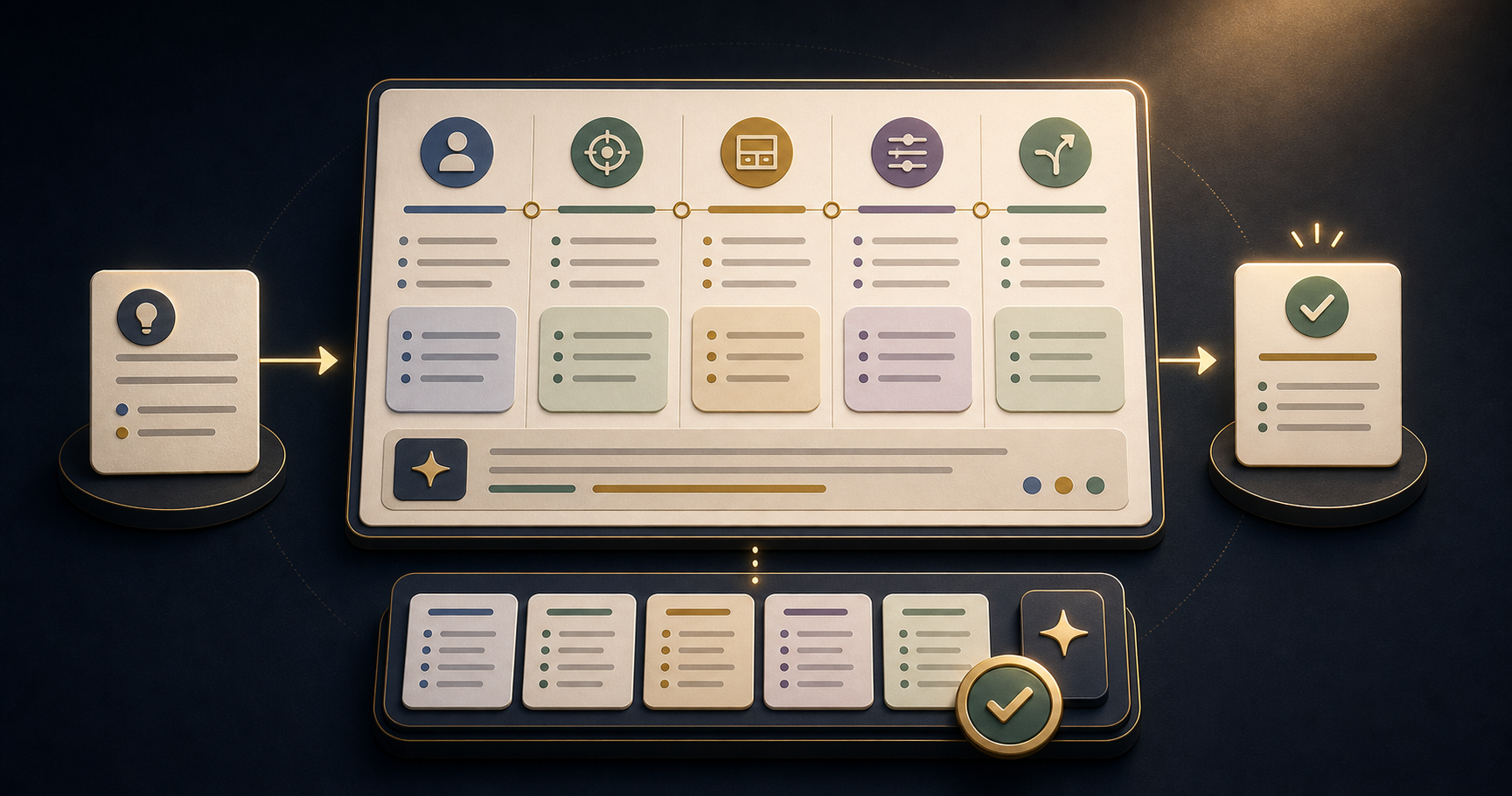
The Five-Part Prompt Structure
This structure works for almost any professional task. Fill in each section and you will rarely need to rewrite a prompt from scratch.
-
Role - who should the model be? "You are a senior HR consultant with experience in technology companies." This shapes vocabulary, tone, and perspective without requiring any technical knowledge.
-
Context - what is the situation? Two or three sentences: who is involved, what the goal is, what has happened so far. "I am preparing for a performance review with a team member who has strong technical skills but struggles with written communication."
-
Output - what exactly do you want? Format, length, structure. "Write five bullet points I can use as talking points. Each should be one sentence."
-
Constraints - what should the model avoid? Tone, words, style. "Use direct language. Avoid jargon. Do not soften the feedback with excessive qualifiers."
-
Alternative - ask for a variation. "After the main response, suggest one alternative framing I could use if the conversation becomes defensive."
That last step is underused. Getting two versions immediately lets you choose, and it reveals how differently the model can approach the same task.
How to Build a Prompt Library
The real efficiency gain is not in individual prompts - it is in building a small library of templates that work for your recurring tasks.
Once a prompt produces output you can edit in under five minutes, save it. Replace the specific details with placeholder labels: [ROLE], [SITUATION], [FORMAT], [CONSTRAINTS]. The next time you face a similar task, you fill in the blanks rather than starting from scratch.
After a few weeks, you will have a personal prompt library that reflects your actual work. This is more useful than any downloaded prompt list, because it has already been tested against your specific tasks and adjusted for your standards.
What to Do When the Output Is Still Wrong
If the first output is not useful, do not delete the conversation and start over. Iterate in the same thread.
Tell the model what is wrong: "This is too formal. Make it more conversational." Or: "The third point is correct but the other four miss the key issue, which is X." The model can see the context of the conversation and will adjust.
Most prompts that need three or four iterations can be improved so that the template produces a good first draft every time. That investment pays back on every future use.
Frequently Asked Questions
Why do my ChatGPT prompts keep producing generic results?
Generic results come from generic prompts. The model fills missing information with average assumptions. Add your audience, goal, and context, and the output improves immediately.
How long should a ChatGPT prompt be?
As long as it needs to be. Short prompts are fine for simple tasks. For work that needs a specific voice, audience, or format, 3-6 sentences of context usually produces much better output than one sentence.
Do I need to learn prompt engineering to use ChatGPT effectively?
No. Prompt engineering is a technical specialisation. What you need is clear communication - the same skill you use when briefing a colleague. Give the model the information it needs to do the task well.
Can I reuse the same prompt for different tasks?
Yes, once you find a structure that works, save it as a template with placeholder fields for the parts that change. One good template is worth more than fifty one-off prompts.
Does it matter which AI tool I use?
Less than you might think. ChatGPT, Claude, and Gemini all respond well to clear, specific prompts. The structure matters more than the tool. Start with whatever you already have access to.
If you want to practise this with guided tasks, 21 Days of AI gives you one prompt per day across 21 real work scenarios. Free, no account needed. You can also read why structured AI courses build more skill than prompt lists if you are deciding where to start.
Build the habit with a 21-day challenge
Start with the marketers course and practice one useful AI workflow every day.
View the course