Marketing · February 26, 2026
How Marketers Can Use AI to Write Email Campaigns
AI can draft, test, and refine your email campaigns - if you give it the right brief. Here is the workflow that actually works.
AI can write a complete email campaign draft - subject line, preview text, and body copy - in under five minutes, if you give it a proper brief. The brief is the work. Write down your audience, your offer, the one action you want readers to take, and your tone of voice. Paste that into your AI tool with a clear output instruction, and you have a starting point that takes ten minutes to edit into something sendable.
The quality ceiling is your brief, not the AI.
Why AI Email Drafts Often Feel Off-Brand
The most common complaint about AI-written email copy is that it sounds generic. The cause is almost always an under-specified brief.
"Write a promotional email about our summer sale" gives the model almost nothing. It does not know your audience, your brand voice, what differentiates your offer, or what you want the reader to do after reading. It fills those gaps with the most common email conventions - which is why the result reads like every other promotional email.
The fix is a brief, not a better model. Spend five minutes writing what you know about this send before you touch the AI. That upfront work determines everything that follows.
What to Include in Your AI Email Brief
A complete brief for an email campaign covers six things:
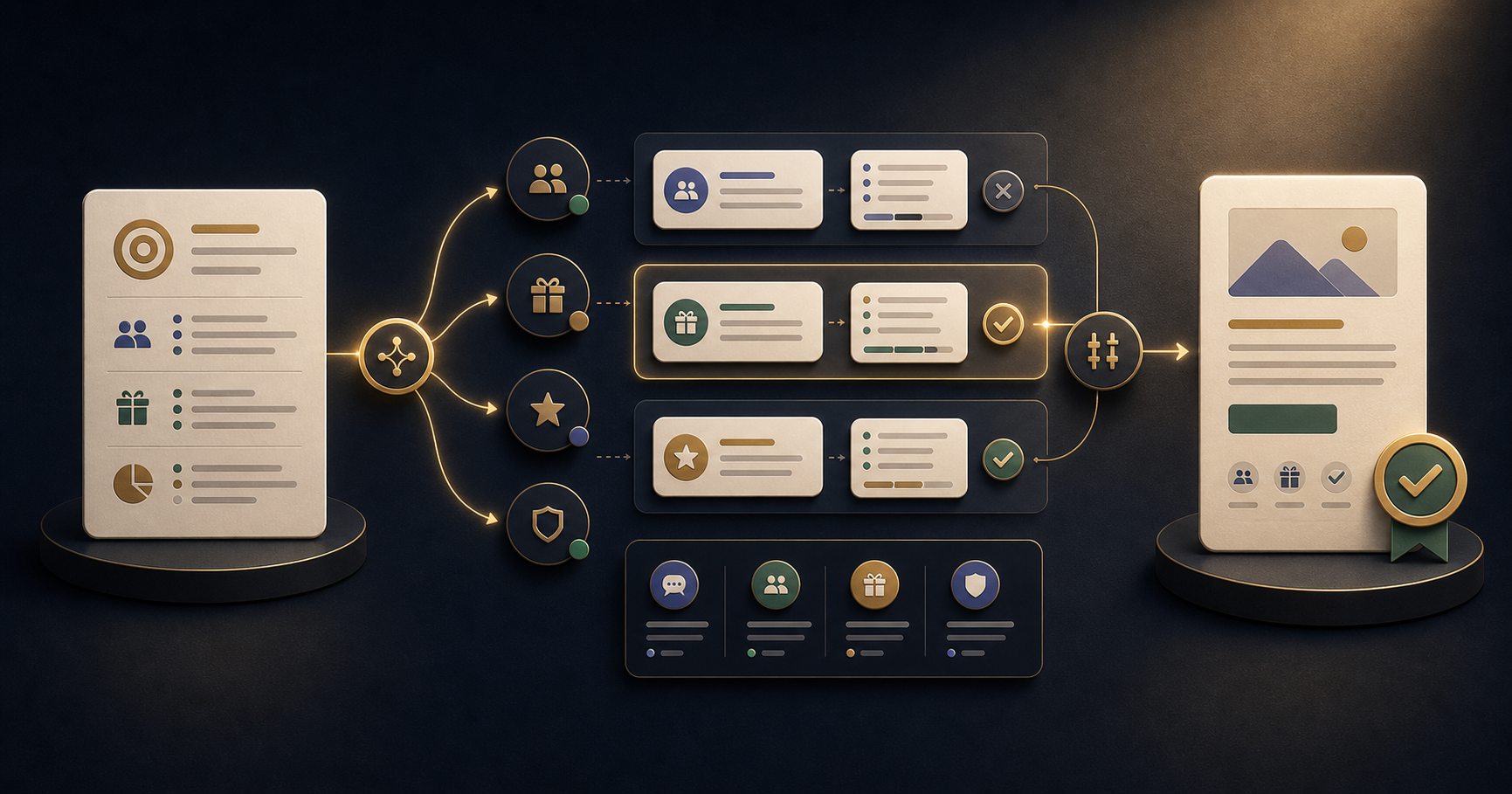
- Audience - who is receiving this, and what do they already know? "Our email list of 3,000 small business owners who bought a course from us in the last 12 months."
- Offer - what are you promoting, and what is the key benefit? "A new bundle that includes all six courses at 40% off the individual price."
- Goal - one action you want them to take. "Click through to the bundle page."
- Tone - how should this sound? Include examples if you have them. "Practical and direct, like our existing emails. Not salesy. No exclamation marks."
- Constraints - word count, link placement, legal requirements, things to avoid.
- Subject line options - ask for five and choose the strongest, or test two.
With this brief, the AI produces a draft that needs editing, not rewriting.
The Two-Pass Workflow
A two-pass approach consistently produces better results than trying to get a perfect first draft.
Pass 1 - generate options: Ask for two or three complete email versions with different angles. For a course promotion, you might get one that leads with the transformation, one that leads with the time saving, and one that leads with social proof. You will rarely use any version as-is, but comparing them immediately shows you which angle resonates most with what you know about your audience.
Pass 2 - refine the best version: Take the version with the strongest angle and give specific edit instructions. "Make this shorter. Cut anything in the first paragraph that is not directly relevant to the offer. Change 'transform your workflow' to something more specific."
Editing a specific draft is much faster than writing from scratch, and much faster than trying to describe in the prompt exactly what you want before you have seen anything.
Scaling Without Losing Quality
Once you have a brief template that produces good output, the time savings compound quickly. Segment-specific versions - the same campaign written for marketers vs. founders vs. HR teams - take ten minutes each instead of an afternoon. Subject line tests take two minutes to generate, not two hours to debate.
The constraint becomes editing time and brand-voice review, not drafting time. That is a good problem to have.
Frequently Asked Questions
Will AI-written emails sound generic?
Only if the brief is generic. Give the AI your audience, your offer, your tone of voice, and examples of emails that worked before. The output should sound like your brand, not like a template.
Can AI write subject lines that actually get opened?
AI is good at generating multiple subject line options quickly, which makes A/B testing easier. It cannot predict your specific audience's preferences, so test two versions and let performance data decide.
How do I maintain brand voice when using AI?
Include two or three examples of previous emails that matched your brand voice in the prompt. Tell the model what made them work. This teaches brand voice more reliably than describing it in abstract terms.
Should I disclose that my emails are AI-assisted?
There is no legal requirement in most jurisdictions for marketing emails. The question is whether the final copy is accurate and reflects your brand. AI is a drafting tool - you are responsible for what you send.
How many emails can I draft with AI in a day?
With a good template, 8-12 complete email drafts per day is realistic - including subject lines, preview text, and body copy. This compares to 2-4 done manually without AI assistance.
The 21 Days of AI for Marketers course covers email, social, briefs, and campaign planning - one workflow per day, with copy-ready prompts. Related reading: AI tools for social media content creation and AI prompts for marketers: why context beats clever wording.
Build the habit with a 21-day challenge
Start with the marketers course and practice one useful AI workflow every day.
View the course